I used to think every calendar was basically the same. Twelve pages, some boxes, done. Then I tried planning a busy month on a tiny wall calendar and realized the layout matters so much more than I thought. Picking the right 2027 calendar template is honestly the difference between a calendar you use every day and one you forget about by March.
In this post I am walking you through the four template layouts I actually use, who each one is best for, and how I pick, customize and print a template without any fancy software. If you have ever stood in front of a stack of calendar options feeling confused, this one is for you.
What Is a Calendar Template (and Why Use One)?
A calendar template is a ready-made layout with the dates already in place. You just fill in your plans, or tweak the colors and fonts to suit you. It saves hours compared to drawing a grid yourself, and every page stays neat and consistent all year.
- It saves time. The dates, days and boxes are already lined up for you.
- It stays consistent. Every month looks the same, so your eyes know where to look.
- It is easy to edit. Change a color, add a notes box or swap a font in minutes.
- It prints cleanly. A good template already has safe margins built in.
4 Types of 2027 Calendar Template Layouts
These are the four layouts I keep coming back to. They each solve a different planning problem, so read through and see which one sounds like your life.
1. The Monthly Grid Template
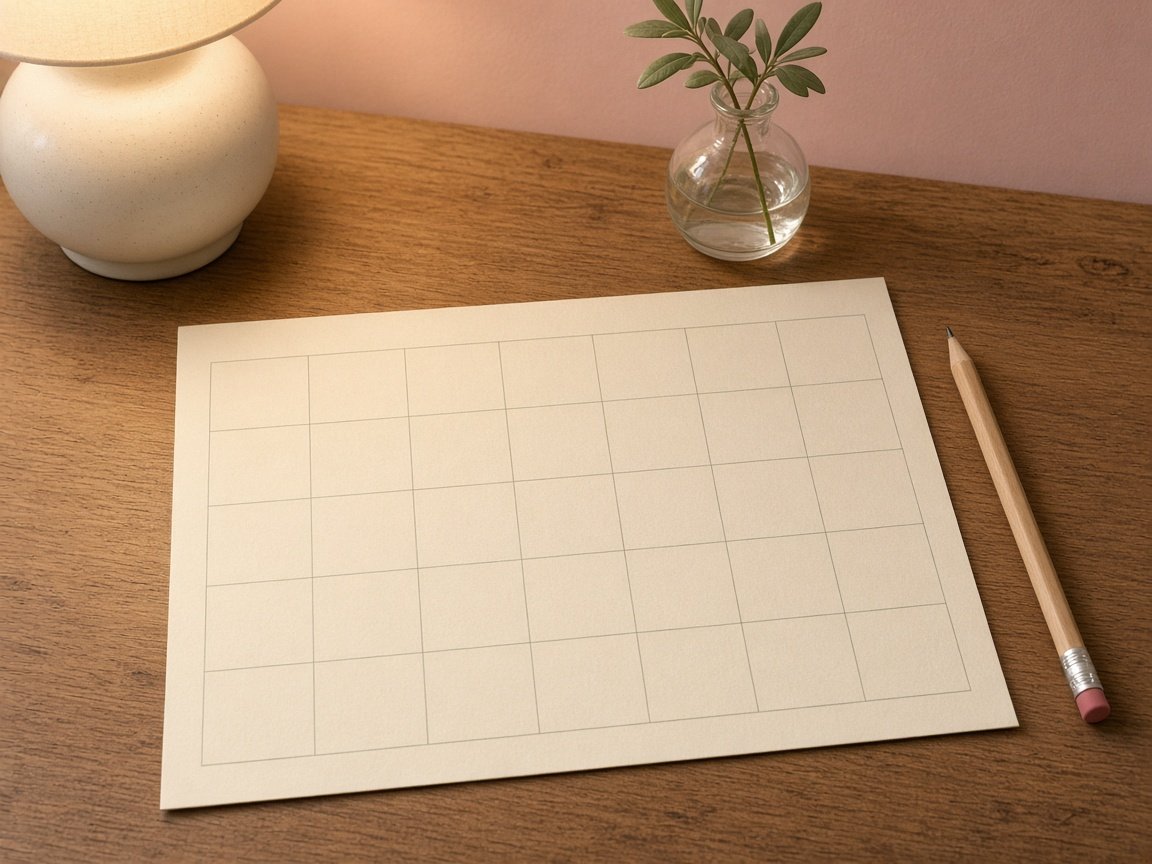
This is the classic one-month-per-page layout: seven columns, five or six rows, and a big box for every date. It is the best all-rounder, and the one I recommend if you are not sure where to start.
It works beautifully for appointments, school events, bill dates and family plans, because you can see the whole month at a glance.
Try this Choose a landscape page if you write a lot. The boxes get wider and fit two short lines easily.
2. The Weekly View Template
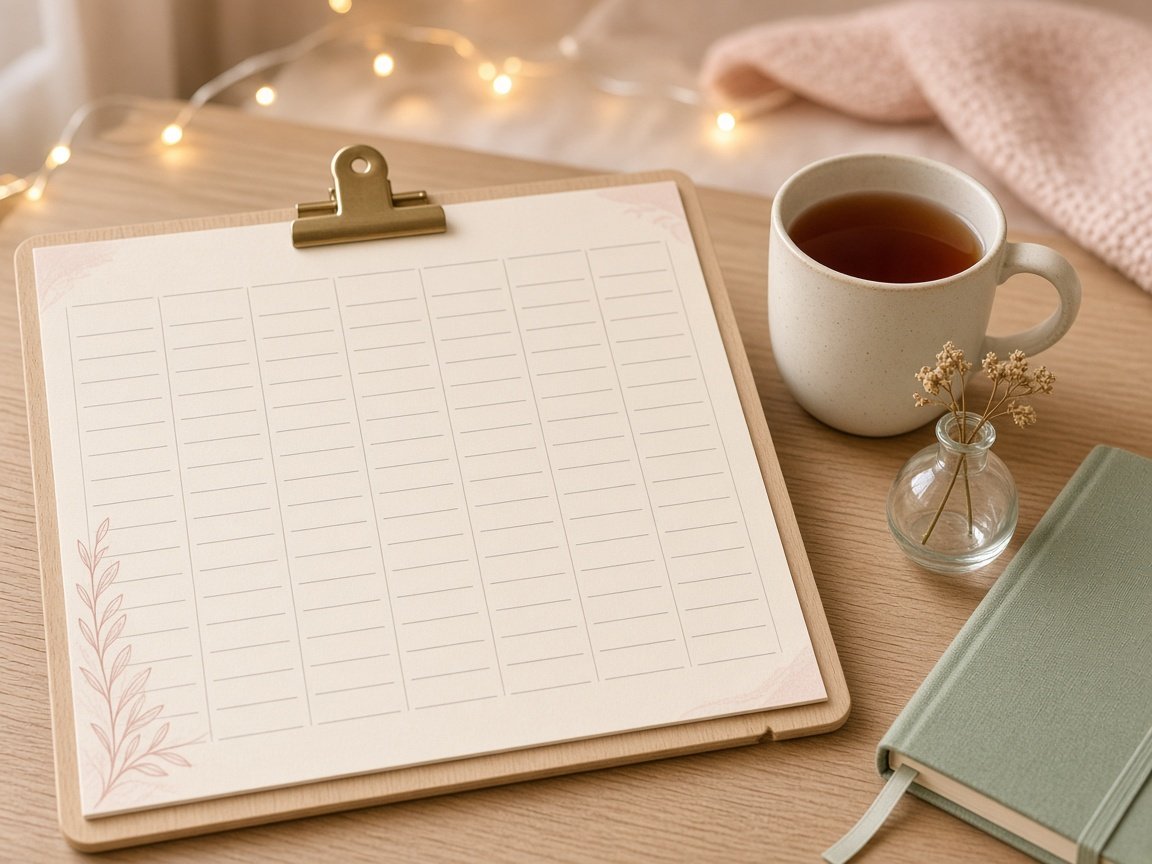
If your days are packed, a weekly template gives each day its own tall column or row. There is room for times, to-dos and little notes, which a monthly box just cannot fit.
I switch to this layout during busy seasons, like exam weeks or when we have guests staying over.
Try this Print a monthly page and a weekly page together. Use the month for the big picture and the week for the details.
3. The Yearly One-Page Template
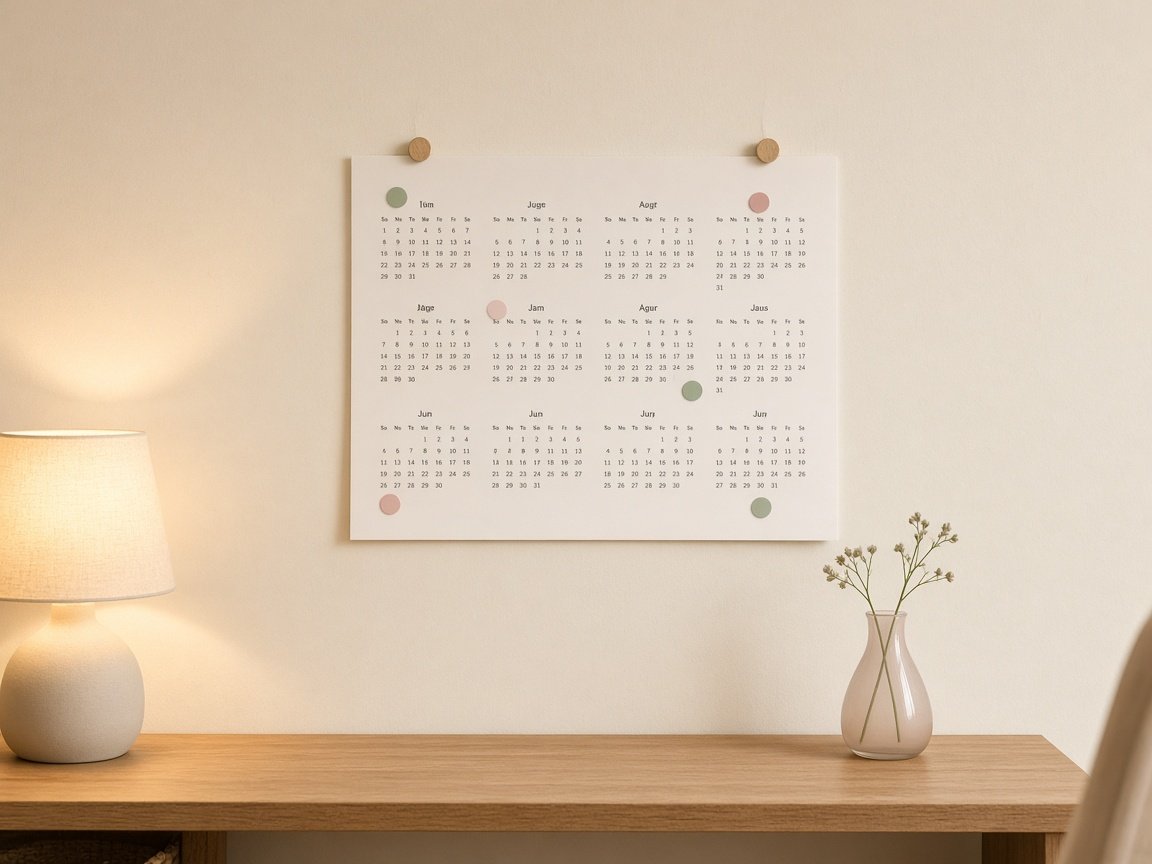
This layout fits all twelve months on one single sheet. The boxes are tiny, so it is not for daily writing, but it is perfect for seeing the whole year at once.
I use mine to mark school holidays, birthdays, trips and big deadlines with small colored dots, so I can spot busy months early.
Try this Use tiny round stickers or one highlighter color per category instead of writing words in the small boxes.
4. The Planner-Style Template
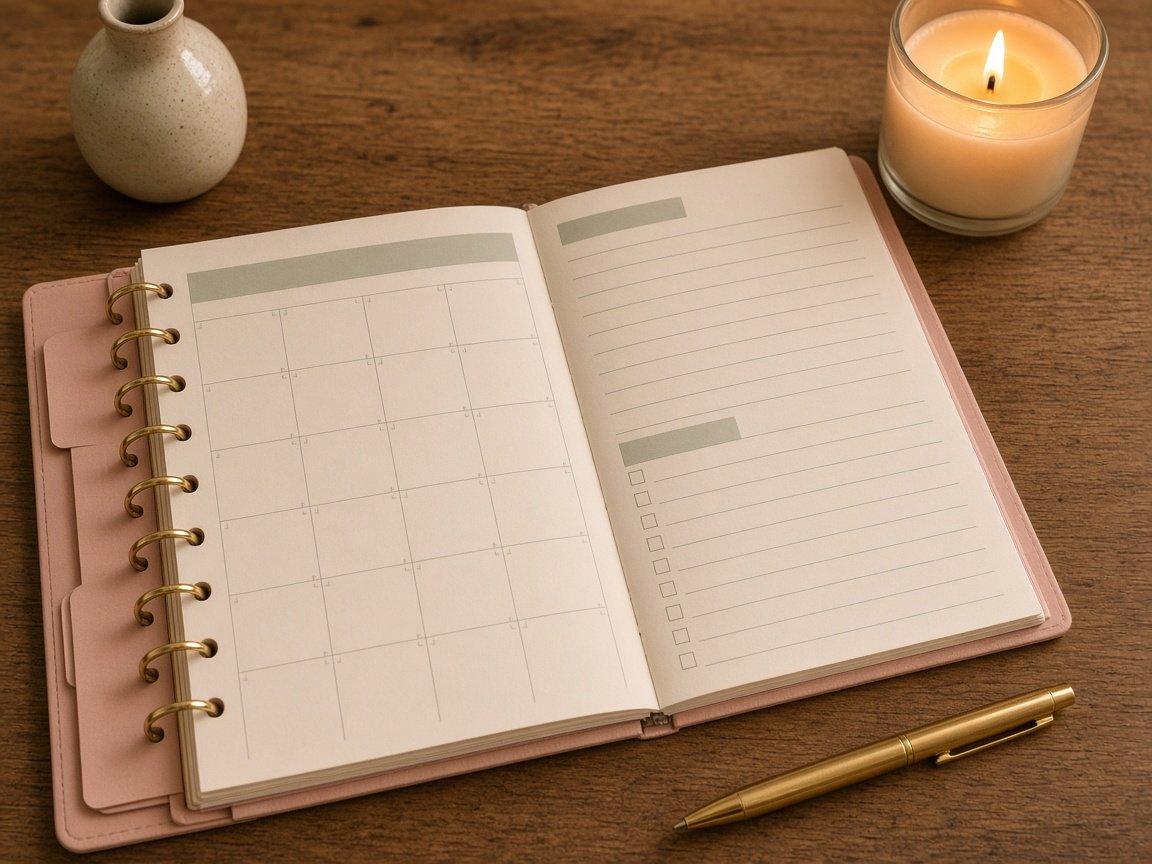
A planner-style template is a monthly grid plus extra sections, like a notes column, a top three goals box, a to-do list or a small habit tracker. It turns a simple calendar into a mini planner.
Pop the pages in a ring binder or clip them to a board and you have a full-year planner for the cost of some paper.
Try this Keep only two extra sections per page. Too many boxes make the dates feel squeezed.
How to Pick the Right Template for You
Here is the quick cheat sheet I give my friends when they ask which layout to choose:
- Busy mom or family planner: monthly grid, landscape, with a notes column.
- Student or exam season: weekly view for daily study blocks.
- Big-picture thinker: yearly one-page for holidays, trips and goals.
- Loves lists and goals: planner-style with a to-do box and goals section.
- Small desk or nightstand: monthly grid printed at half size.
My cousin Ayesha is a teacher, and she uses a yearly one-page template for term dates plus a weekly view for lesson planning. Mixing two layouts is completely fine, and often works best.
How to Customize a Calendar Template
Once you have picked your layout, a few small tweaks make it feel like yours. You can do all of this in free tools like Canva, Google Docs or Google Slides.
- Step 1: Choose your week start. Decide between a Sunday or Monday start before anything else.
- Step 2: Pick one or two colors. A soft header color and dark date numbers are all you need.
- Step 3: Adjust the boxes. Make sure each date box fits at least two short lines of writing.
- Step 4: Add your sections. A notes column, goals box or habit row, only what you will really use.
- Step 5: Add fixed dates. Type in birthdays, school holidays and Eid days you already know.
- Step 6: Print a test page. Check the size and color before you print all twelve months.
If you want help choosing fonts and colors, I shared my simple rules in my post on 2027 calendar design ideas. Those same rules work for any template layout.
Printing Tips So Your Template Looks Perfect
- Paper: 100 to 120 gsm matte paper or light cardstock feels sturdy and does not show ink through.
- Size: US Letter or A4 for walls, half-letter for desks.
- Scale: Pick “Fit to page” or “Actual size” so the edges are not cut off.
- Color: Soft pastels can print lighter than on screen, so do one test page first.
- Binding: A clipboard, binder clip or ring binder keeps pages together without a printer shop.
How I Use My Template All Year
I print the monthly grid for the whole year in one go and keep it on a clipboard at my desk. On the last evening of each month, I flip to the new page, add the fixed dates, then fill in family plans and a few goals. Every week I glance at it on Sunday evening with a cup of chai. That is it. A simple template and ten minutes a week keeps my whole house organized.
If you want your calendar to look pretty on display too, I shared some cozy setups in my post on the aesthetic 2027 calendar.
Frequently Asked Questions
What is the best 2027 calendar template layout?
For most people, a monthly grid in landscape is the best place to start. It shows the whole month and has room to write.
Can I edit a calendar template for free?
Yes. Free tools like Canva, Google Docs and Google Slides let you change colors, fonts and boxes easily.
Which paper is best for printing a calendar template?
A 100 to 120 gsm matte paper or light cardstock looks neat and stops pen marks from showing through.
Should my calendar start on Sunday or Monday?
Either works. A Monday start keeps the weekend together, while a Sunday start feels familiar to many families. Choose what fits your week.
Get My Free 2027 Calendar Template
Want a template that is already done for you? My free 2027 calendar is a clean monthly grid with twelve soft pastel pages, big date boxes and a Notes column, ready to print at home. You can read all the details in my free 2027 calendar printable post, or download the PDF straight away below. Happy planning, friend!