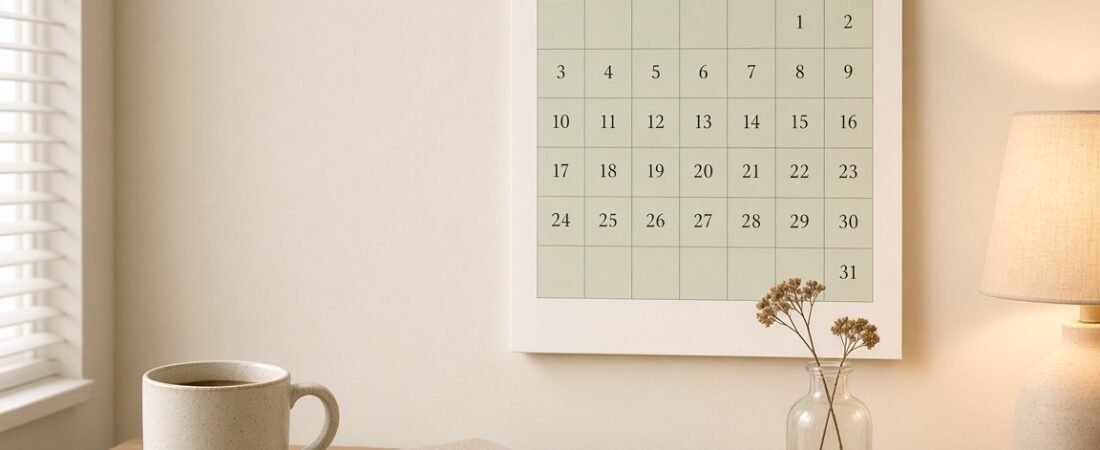
Every time a new year gets close, I start sketching calendar layouts on scrap paper. It is a little obsession of mine. A good 2027 calendar design is not just pretty, it actually makes you want to look at it and use it every single day.
When I designed my own calendar for this year, I went through so many versions before I found one I loved. Some looked cute but had tiny boxes. Some were practical but felt boring. So in this post I am sharing the design ideas that really worked, the small details that make a calendar easy to use, and the mistakes I made so you can skip them.
Whether you want to design your own calendar in Canva, choose one to print, or just get some inspiration for your planner, these ideas will help you pick a style that fits your home and your routine.
What Makes a Good Calendar Design?
Before we get to the styles, here are the things I always check. A calendar can be beautiful, but if it fails on these, I stop using it by February.
- Big date boxes. If you cannot write “dentist 4pm” in a box without squeezing, the boxes are too small.
- Clear month heading. You should know which month it is from across the room.
- Easy-to-read numbers. Simple fonts beat fancy ones for dates every time.
- Some white space. A calm page feels lighter, and your own notes stand out more.
- A notes area. A small column or box for goals, to-dos or reminders is so handy.
- A color plan. Two or three soft colors look neat, while too many look messy.
4 Pretty 2027 Calendar Design Styles I Love
Here are the four styles I keep coming back to. Each one has a different feel, so think about where your calendar will live and what mood you want.
1. Minimal Grid Design
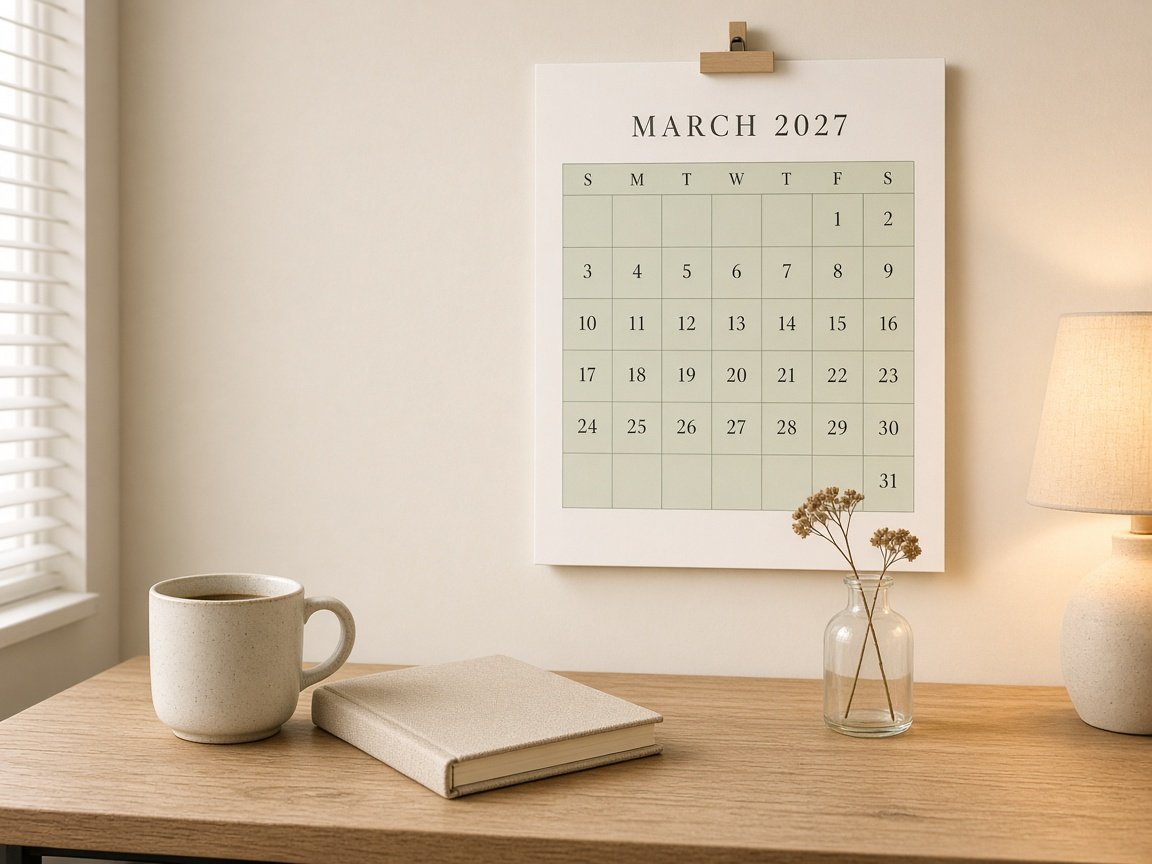
This is the classic, and for good reason. A simple grid, one soft color like sage or blush, a clean serif heading and lots of breathing room. It looks calm on a wall and works for literally everyone, from students to busy moms.
The secret is restraint. Keep the grid lines thin, use one accent color for the header row, and let the dates stay dark so they are easy to read.
Try this Use a light tint of your color (around 20 to 30 percent) for the grid so it does not compete with your handwriting.
2. Boho Earthy Design
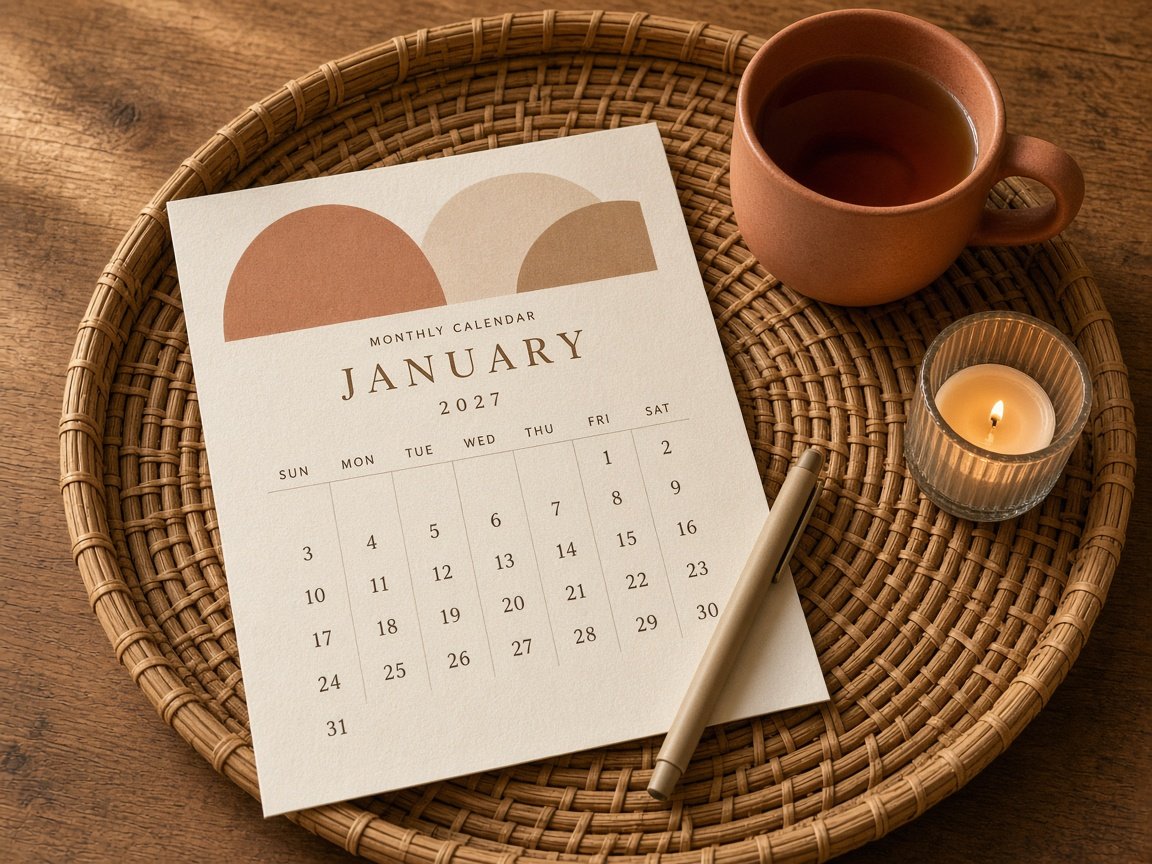
If your home has warm wood, rattan and clay tones, a boho calendar fits right in. Think terracotta, sand, warm beige and soft brown, with simple arch or half-circle shapes at the top of the page.
I love this style for the colder months because it feels so warm and cozy, especially next to a candle and a cup of chai.
Try this Keep the shapes only at the top of the page so the date area stays clean and easy to write in.
3. Desk Tent Calendar Design
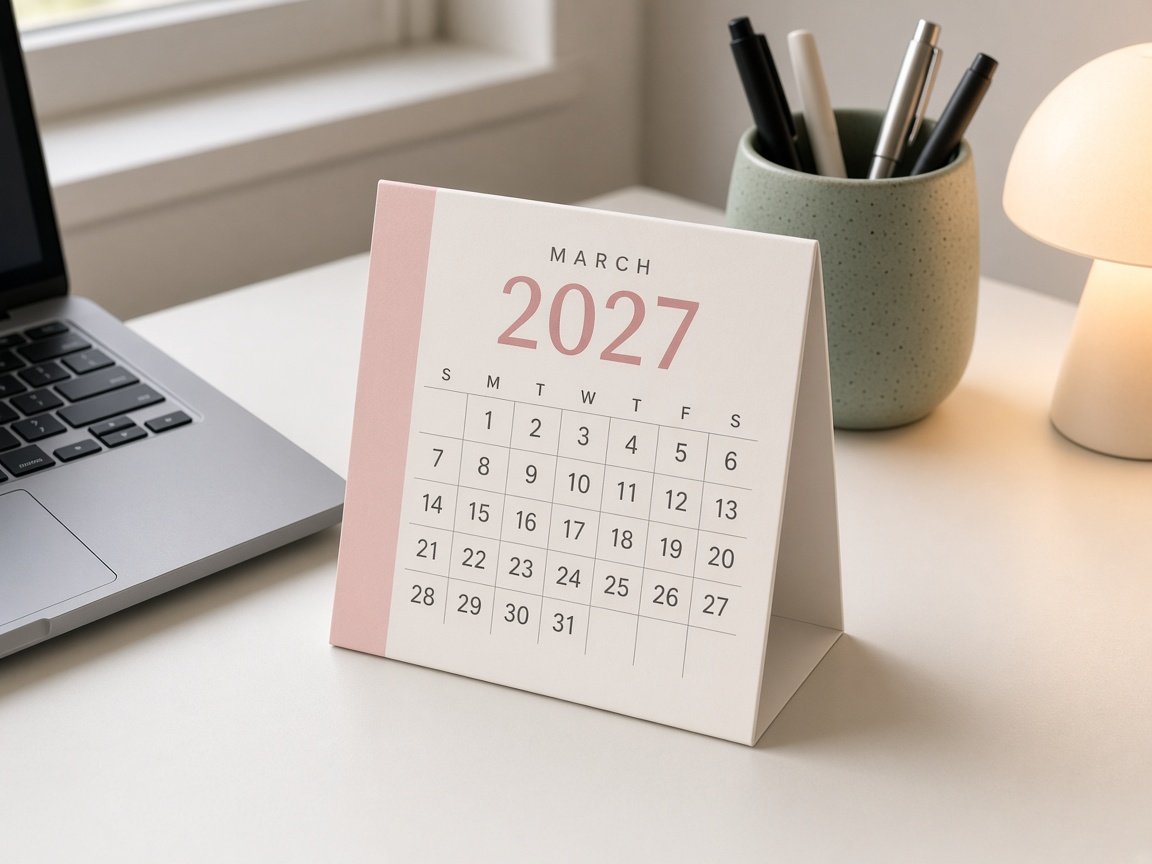
A small tent calendar is perfect if you work at a desk or study a lot. The design here needs to be extra simple, because the page is small. A bold year, a short month name and a tight grid is all you need.
A colored strip down one side is a cute little detail that makes it look finished without adding clutter.
Try this Design it at half-letter size (5.5 x 8.5 in) so you can print two months on one sheet and fold them.
4. Pastel Color-Block Design
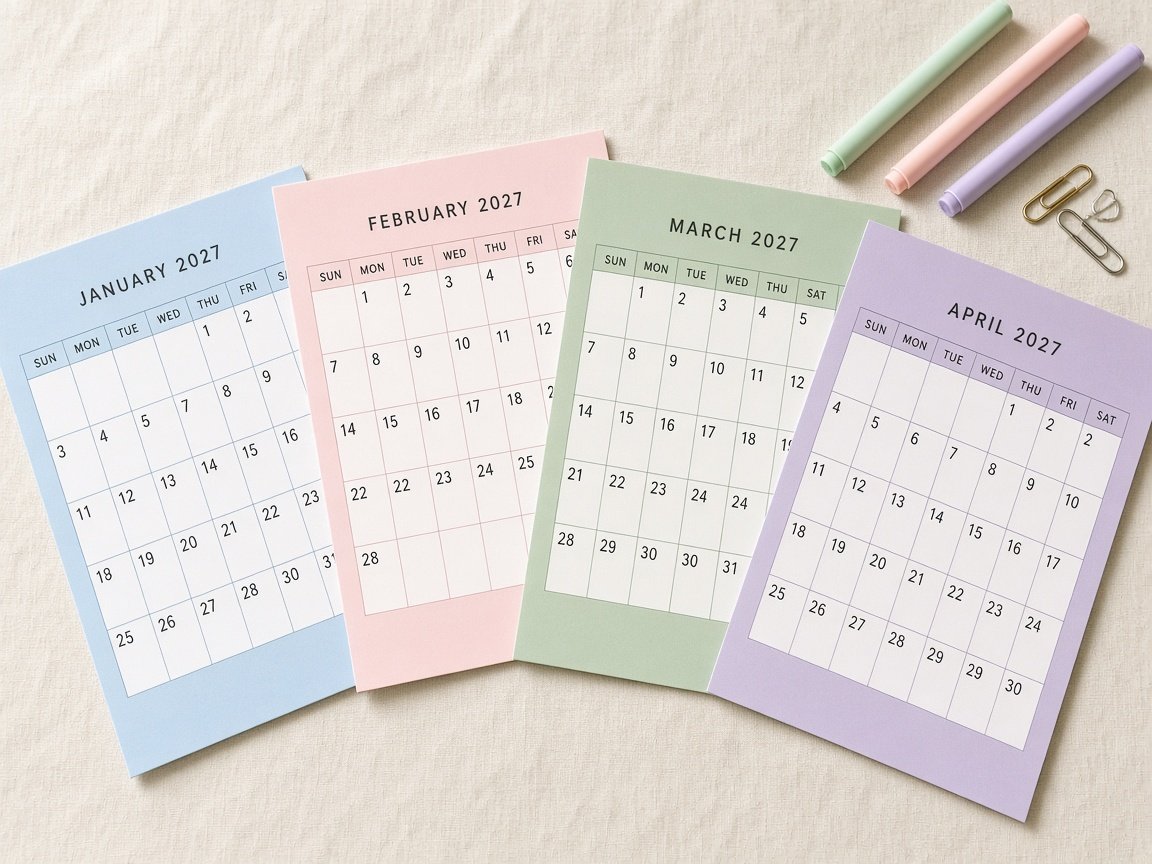
This one is so fun. Every month gets its own soft color, so flipping to a new page feels like a fresh start. Sky blue for January, blush for February, sage for March, lavender for April, and so on.
Because the layout stays the same and only the color changes, the whole year still looks like one matching set.
Try this Pick all twelve colors at once from the same pastel palette, so no month looks louder than the others.
My Simple Design Rules for Fonts and Colors
You do not need to be a designer to make a calendar look professional. These little rules made the biggest difference for me.
- Two fonts only. One elegant serif for the month name, one clean sans serif for the dates and days.
- Skip script fonts for dates. They look pretty, but they are hard to read at a glance.
- Dark text, soft background. Warm brown or charcoal text on cream or white is much softer than pure black.
- Match your room. Pick one color that already exists in the room where the calendar will hang.
- Align everything. Line up the heading, grid and notes area to the same edges. It instantly looks tidy.
Sunday or Monday Start?
This sounds like a tiny choice, but it really changes how the calendar feels to use. If your weekend is Saturday and Sunday, a Monday start keeps the weekend together at the end of each row. If your family likes to see the week begin on Sunday, go with that. In Pakistan and many other places, plenty of people prefer a Monday start for work and school weeks, so think about who will be reading it.
Whichever you choose, label the days clearly at the top of the grid. A short three-letter label like MON or TUE is easy to read on both a wall and a phone screen.
Common Calendar Design Mistakes to Avoid
- Making the header so big that the date boxes shrink.
- Using a busy background pattern behind the dates.
- Choosing light gray numbers that disappear when printed.
- Forgetting margins, so the printer cuts off the edges.
- Adding a different font on every page.
- Packing in holidays, quotes and stickers until there is no room to write.
My first version had a gorgeous floral background, and honestly, I could not read a single date on it once it was printed. Lesson learned. Simple is almost always better.
How I Designed My Own 2027 Calendar
When I made the free calendar I shared in my 2027 calendar printable post, I followed exactly these rules. I chose a landscape page so the boxes could be wide, added a Notes column on the side, and gave each month its own soft pastel color. The layout stays the same all year, so it looks like a set, but every month still feels new.
- Step 1: I picked the page size first (US Letter, landscape).
- Step 2: I drew the grid and made sure every box could fit two short lines of writing.
- Step 3: I chose twelve pastel colors from one palette.
- Step 4: I added the month name, day labels and a Notes column.
- Step 5: I printed a test page and fixed anything that looked too small.
My friend Hira printed a test page and told me the numbers were a bit too light. She was right, so I made them darker. Always print one page before you finalize anything.
Frequently Asked Questions
What is the best calendar design for a wall?
A minimal grid with big boxes and a bold month name works best, because you can read it from a distance.
What size should I design my calendar?
US Letter (8.5 x 11 in) or A4 are the easiest to print at home. Landscape gives you wider boxes for writing.
Which colors look best on a printed calendar?
Soft pastels like sage, blush, cream and lavender print beautifully and look calm on any wall.
Can I design a calendar for free?
Yes. Free tools like Canva or Google Slides work well. Or you can grab my ready-made free calendar at the end of this post.
Get My Free 2027 Calendar
If you love these ideas but do not want to design one from scratch, I have already done it for you. My free 2027 calendar has twelve pastel monthly pages, big date boxes and a Notes column, all in one easy PDF. You can read more about it in my free 2027 calendar printable post, or download it straight away below. Happy planning, friend!